

Holiday shopping is stressful enough without worrying about invisible thieves hiding inside your internet browser. Cybersecurity researchers are warning of a sophisticated new threat targeting online shoppers this winter: malicious browser extensions designed to silently drain unused Amazon gift card balances. Experts call it “balance siphoning,” and it is spreading fast.
Claim Free Amazon Gift Card here
Unlike traditional phishing scams that trick you into typing your password on a fake website, this attack happens entirely inside your legitimate browser session. You are logged into the real Amazon.com. Everything looks normal. But in the background, a rogue add-on is watching your checkout screen, waiting to strike.
The Invisible Threat in Your Toolbar
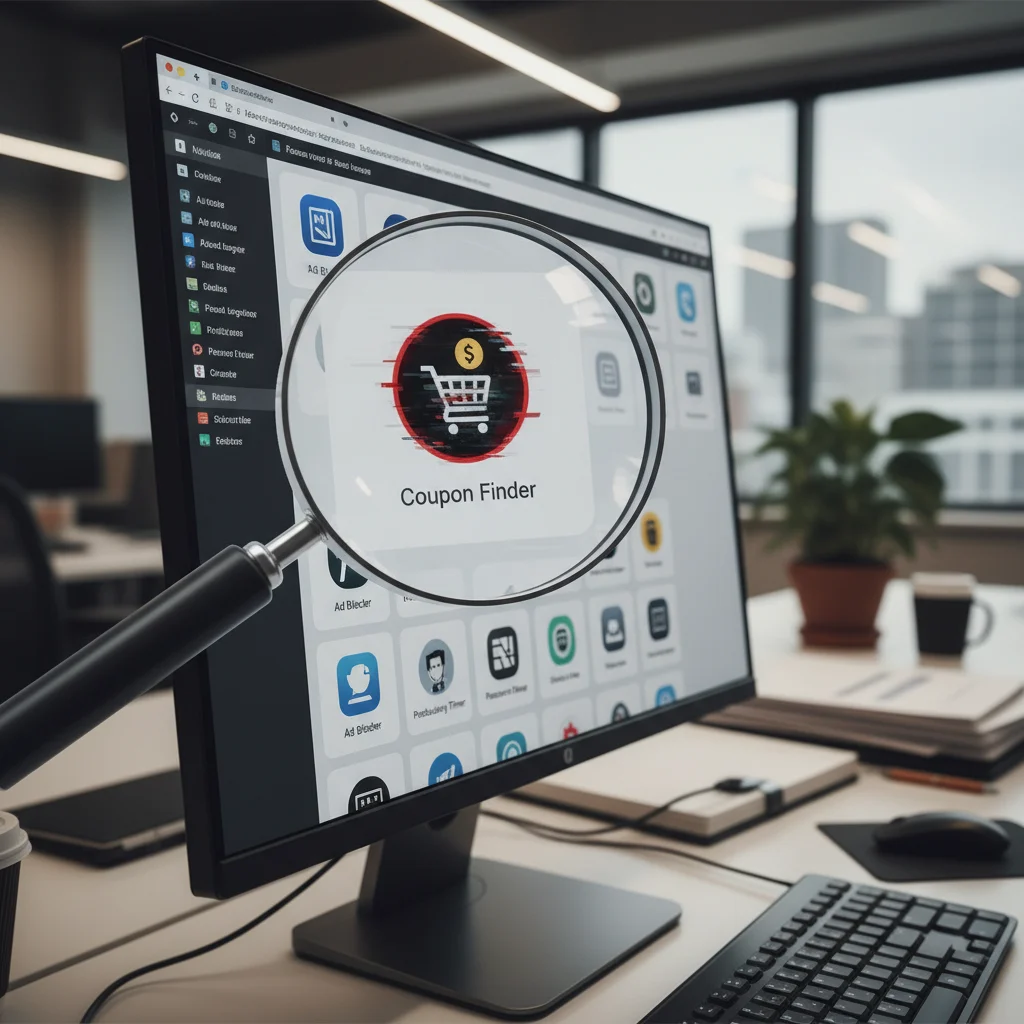
The scam relies on browser extensions that masquerade as helpful shopping assistants, price trackers, or coupon finders. They promise to save you money. Instead, they steal it.
According to a recent threat assessment by cybersecurity firm NetShield, over 340,000 users have downloaded these infected extensions across major browsers, including Google Chrome and Microsoft Edge. Once installed, these tools request permission to “read and change all your data on the websites you visit.” Most users click “allow” without thinking twice.
“It is a highly patient attack,” says Marcus Thorne, a lead threat researcher at NetShield. “The extension does not do anything suspicious at first. It acts like a normal coupon finder for weeks. It only wakes up when it detects that the user has navigated to their Amazon wallet or checkout page with an active gift card balance.”
How Balance Siphoning Works
When you redeem a gift card, the funds usually sit in your Amazon account until you make a purchase. This is the window of opportunity for attackers. The malicious extension scans the webpage’s code for specific elements, such as your available gift card balance.
Once it identifies an active balance, the script goes to work. During your next checkout, or even while you are browsing, the extension initiates silent background requests. It uses your pre-authorized session to purchase digital goods, such as video game codes, streaming subscriptions, or online gift cards. Because these digital items are delivered instantly via email or displayed directly on the screen, the scammers can harvest and resell them on secondary markets within minutes.
The victim rarely notices until they try to use their balance and find it has dropped to zero. Because the transaction occurs from the user’s actual device and logged-in account, Amazon’s fraud detection algorithms often view the purchase as completely legitimate.
Why Scammers Are Pivoting to Extensions
Security analysts point to a couple of reasons for this sudden surge in browser-based attacks during the 2026 shopping season. First, traditional email phishing has become harder to pull off. Spam filters are better, and consumers are more cautious about clicking suspicious links.
Second, bad actors are using automated code generators to rapidly churn out variations of these extensions. If Google or Microsoft flags and removes one from their web stores, the scammers simply upload three more under different names the next day.
How to Protect Your Wallet
With the holiday rush underway, defending yourself requires a shift in how you manage your browser security. Experts recommend taking several immediate steps to protect your funds:
- Audit your extensions: Go to your browser’s settings page and review every installed add-on. If you do not recognize an extension, or if you have not used it in the last month, delete it immediately.
- Restrict permissions: Many browsers allow you to limit an extension’s access. You can set it to run only “on click” rather than allowing it to read your data on every website automatically.
- Do not hoard balances: Avoid keeping large sums of money sitting in your Amazon gift card balance. If you receive a gift card, try to apply and spend it quickly rather than letting it sit idle.
- Monitor your order history: Check your digital orders and archived orders regularly. Scammers sometimes archive the fraudulent purchases they make to hide them from your main order history page.
The convenience of browser extensions is hard to deny, but the risk is growing. This holiday season, a quick cleanup of your digital workspace might be the best way to save your shopping budget.